

Articles
Categories:
Manifesting made simple:
Your Shortcut to Smarter, Easier Business Growth
Subscribe, relax, and let the blog brilliance effortlessly flow into your inbox. No crystals required.
Get expert tips on web design, Squarespace secrets, and content marketing strategies that actually work—plus inspiring videos and insider extras to help you create a beautiful, thriving business.
Why refresh when it can come to you?


5 DAY
CHALLENGE
Quickly start your design business.
BOOK A DREAM CLIENT IN JUST 5 DAYS!
Step-by-step action plan to start landing clients for just $37!
Perfect for beginners—no website or portfolio needed.
You'll get daily bite-sized tasks and clear guidance, all designed to help you confidently book clients ASAP.

How I create custom, branded icons in under 1 min
One common design element you'll find on my site, in opt-in gifts and now and again on my blog post graphics is custom icons, created in my brands colors and style.
My icons are a bit more complex and detailed than most, so you would expect it takes me forever to create one right? Thankfully, that's not the case at all!
Each one takes me under 1 minute to create!
(So great right?!)

Which Squarespace templates have a sidebar, index, parallax, second navigation + more!
So, you're in the middle of picking a Squarespace template and want to know which templates have what features?
Well perfect, you're in the right place!
Before we start, I want to mention two superrr handy resources that are perfect for when you're just getting started with building your Squarespace site (or are switching templates).
First, there's the Start Your Squarespace Website Workbook which gives you a clear guide on how to use this list and pick a template, how to determine your site goals & what to do with them, and how to properly use your inspiration sites!

Behind-the-scenes look: copy layout strategy for my 3 most visited pages
You may have noticed a couple changes around here recently.
My home page, about page and work with me pages got brand spanking new copy in the past couple weeks.
Here’s why I decided to give them an update.
I realized when taking B-School just how vital being able to write copy that connects with my ideal clients that also converts was.
After finishing up B-School my top priority was to figure out what to do about my copy.
The one thing you need on every page of your website to increase conversions
"Students, please grab out your pen and a piece of paper. It's test time!"
No really, I want you to score your site for just 1 moment here.
Here's what you'll be tested on:
Your websites Calls To Action (or CTA).
This is how it works.
Every page on our sites needs a CTA.

8 reasons I chose to build my business's online home on Squarespace
Ahem - story time!
Just a few years ago I was Googling up a storm, wanting to build a website and was struggling to find the right platform.
I scoped out all the options and looked up all the comparison charts.
I tried to learn a little about how each website building platform worked, and what creating and blogging on them would look like before I settled on one.
Squarespace ended up winning my heart, and years later, I'm still a huge fan of the platform.

How to sell a product one time & subscription-style through your Squarespace website
So you've got something to sell, and would like to give your customers both the option to purchase it one time, or recurring subscription style on your Squaresapce site?
Can do friend!
I'm going to walk you through exactly how this is set up.
The Squarespace e-commerce system doesn't have the ability to make subscription-style recurring sales, but MoonClerk, a 3rd party integration that works with Squaresapce does, so that's what I'll be showing you how to use.
The 2 week website: how it works & why you’ll love it
Okay so before I even start on this post I need to give credit where credit is due.
The 2 week website was not my idea! (Though I do love it and am so darn happy I found out about it!)
The idea came from the fab Lauren Hooker who runs Elle & Company, or more specifically her husband Jake. Jake thought of the 2 week website, Lauren implemented it and then she shared it on her blog, advocating for others to considering switching to the 2 week process.

What's included in all-inclusive Squarespace web design packages?
When I get on the phone with potential clients for our initial consult call, a few common questions come up about just what is included in my packages.
95% of the time when a potential client asked if something was included my answer was ‘yes.’
As such, I started describing my packages as ‘all-inclusive.’
(Partially because my answer was almost always yes, and partially because I love vacations, and being reminded of them often).
So, as with all the client and reader questions I get, I blog about it!

10 best example Squarespace websites • clean & modern edition
You settled on Squarespace for your website, fab choice friend!
Now you only need to ... you know, build the thing.
Hoping to see some example Squarespace websites for inspiration? Want to know what's possible with each Squarespace template?
I've got you gal! In comes the
How to become a Squarespace web designer interview
I just wrapped up such a fun interview with the one half of the Bucketlist Bombshells, Shay Orlena Brown.
(Is doing interviews like this one my real job? Apparently yes it is. I know, sometimes I'm surprised by it too.)
Together Shay & Cassie make up the Bucketlist Bombshells. The Bucketlist Bombshells is the online destination empowering and teaching millennial women how to build a successful online service-based business that gives them the freedom to travel the world and live creatively.
When I came across the Bucketlist Bombshells on Facebook my first thought was 'no way, is that a real thing?'

Thinking of working with The Paige Studio? This is what you need to know
Getting your website deigned is both an exciting move forward for your business, and a big undertaking.
Every web designer you meet will have a different process, turnaround timeline, prices, payment terms, design style, etc. The list goes on and on. Understandably, it can be a long process to find a designer who is the perfect fit.
When I chat with potential clients, there’s a common list of questions that come up.
With every aspect of my design studio, I try to make the process as simple, and headache-free for clients as possible.
Website content strategy, simplified
Ever been working on your website and thought to yourself ... 'hmm, wonder what the best way to arrange all of this content is?' 'What pages should be in my navigation, and which shouldn't?' 'Where should I place my opt-in gift so it's most effective?'
Website content strategy helps us with all of these questions.
It helps give you a strategy for where everything on your website should go, and how to get visitors to navigate through your site in the way you want them to!
(*Ahem* That means getting those fine folks onto the pages which make you the dolla dolla bills!)
What's the difference between WordPress & Squarespace?
Ah yes, the Squarespace vs. WordPress debate. Which is right for you?
In this post we're going to get into specifics of whats different between the two platforms so you decide exactly which fits you best. If you want the spark notes version, which you ultimately choose mostly boils down to 2 things:
Your tolerance level for technology problems, and how much of a stickler you are for control & customization.
Oh and budget, budget comes into play a little too.
So, in this post I'm going to walk you through where Squarespace and WordPress are different, so you can get a clear picture of what using each will be like. I know, you're currently (naively) assuming; "they both build websites, how different can they be?"
Do's & Don'ts of Website Design
Getting going with designing your own website? Don't really have a lot of experience or education on the matter? All good girl, I'm going to give you a quick & easy list of do's and don'ts when it comes to creating that fab website.
Within the web design community there's a generally known set of best practices to ensure your website is as appealing and effective as possible. I'll give you the quick run down here, so you can feel confident you're making decisions based on whats most effective, and not just personal preference.

How to change your Squarespace blog layout & design
Hate your Squarespace templates blog layout? No worries! We’re able to completely change the blog layout and design, no code involved. This takes a few minutes to set up in the beginning, and then in the future involved 5 seconds per post to keep it working.
We’ll be using the Squarespace summary block along with blog post tags to completely restyle the blog layout to your preferences.
Here’s two examples of a couple layouts you can master.
How to fake block movement on a Squarespace website
Have something on your website you want to bring attention to and draw a visitors eye towards? Maybe something you really would like your visitor to click on? Add some movement to that item!
"But isn't making stuff move on a website hard ... and involve coding?"
Well it could, but I have a super-simple method using just the regular Squarespace blocks to fake movement on your website.
Here's an example using portfolio pieces.
What is Squarespace? Intro tour for beginners
What is Squarespace?
Squarespace is, in the most basic terms, a website building platform. Squarespace has built a reputation on being an all-in-one system, that’s easy to use. Squarespace is well known for it’s designer quality templates, and modern features (all websites are mobile responsive, right from the get go).
Who is Squarespace good for? What about WordPress? Which is better?
There is no overall better, there is however, better depending on your specific needs and organization type.

2 Squarespace SEO tricks you can complete in under 1 min
I have two tricks to share with you today which are quick & super-easy to implement that will increase your websites Google rank!
You heard that right; quick, easy & improves Google rank! Not bad, eh?
I'll take some extra Google juice for something I can do in under a minute! You too? Okay great. Here's my two tricks.

Squarespace tags + categories: A complete guide
Squarespace tags and categories may be used in many creative ways to display your website content in a variety of layouts and designs.
'How do I properly use tags and categories?' is a frequent question I hear, so I thought a complete guide was needed. You'll find in the video below I go deep into all the many ways to use them, to solve some common Squarespace struggles.
If you're looking for a specific answer, here's the video jump-to points.

7 best Squarespace workarounds on the web
Here and there when desining your Squarespace website you might run into something you'd really like to create, but aren't quite sure of how to make it happen. Thankfully, some ingenious bloggers have come up with some fabulous workarounds to many of the common issues Squarespace users face.
This list compiles the very best of them.

Pub quiz!
45 seconds
Which client-finding method matches your personality type?
*Whilst this isn’t a pub quiz, so there’s no jovial renditions of ‘We Are The Champions’ afterwards; with this marketing quiz you do go home with the exact client-finding method which you’ll—dare I say it— enjoy! Worth 45 sec guaranteed!

ON the HOUSE




Like the perfectly brewed Italian espresso, these resources are petit but powerful.

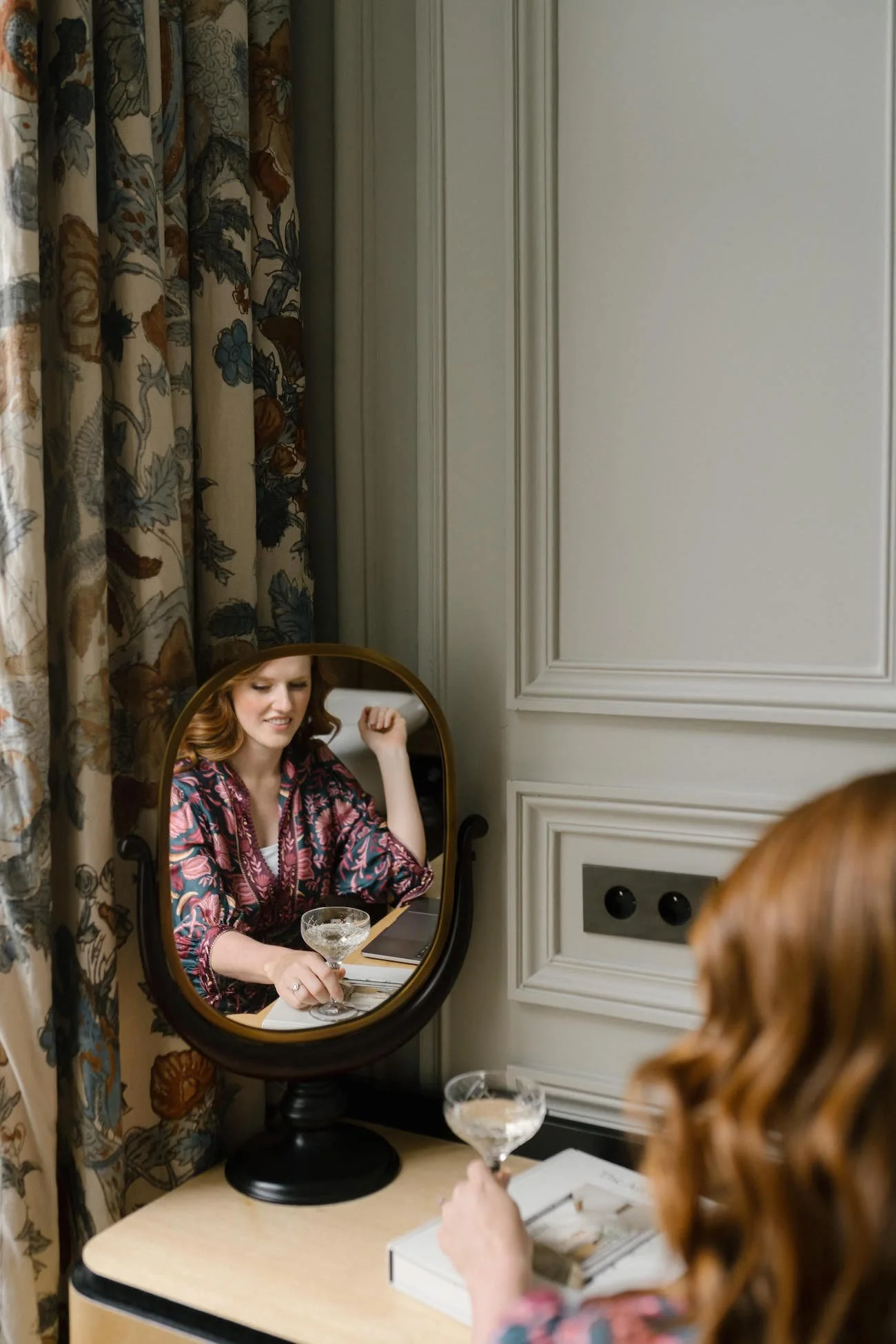


Expertly curated complimentary resources—yours to enjoy, on the house!
01:
Web Designer Client Process Template
02:
Start your Squarespace Website workbook
03:
MARKETING STRATEGY ANALYzER
Craving more? The next course of courtesy gifts is coming up!
Keep in touch? I’d be pleased!
Paige’s Post

Sarah said it best…
“Your emails are like Christmas morning every time I open my inbox!”
A weekly postcard of business-building gems, behind-the-scenes tid bits & exclusive announcements.
With love from Europe. White-glove delivered to your inbox (well, sort of).
xx